
AI Room Redesign from a Photo: Redecorate Any Space in Seconds
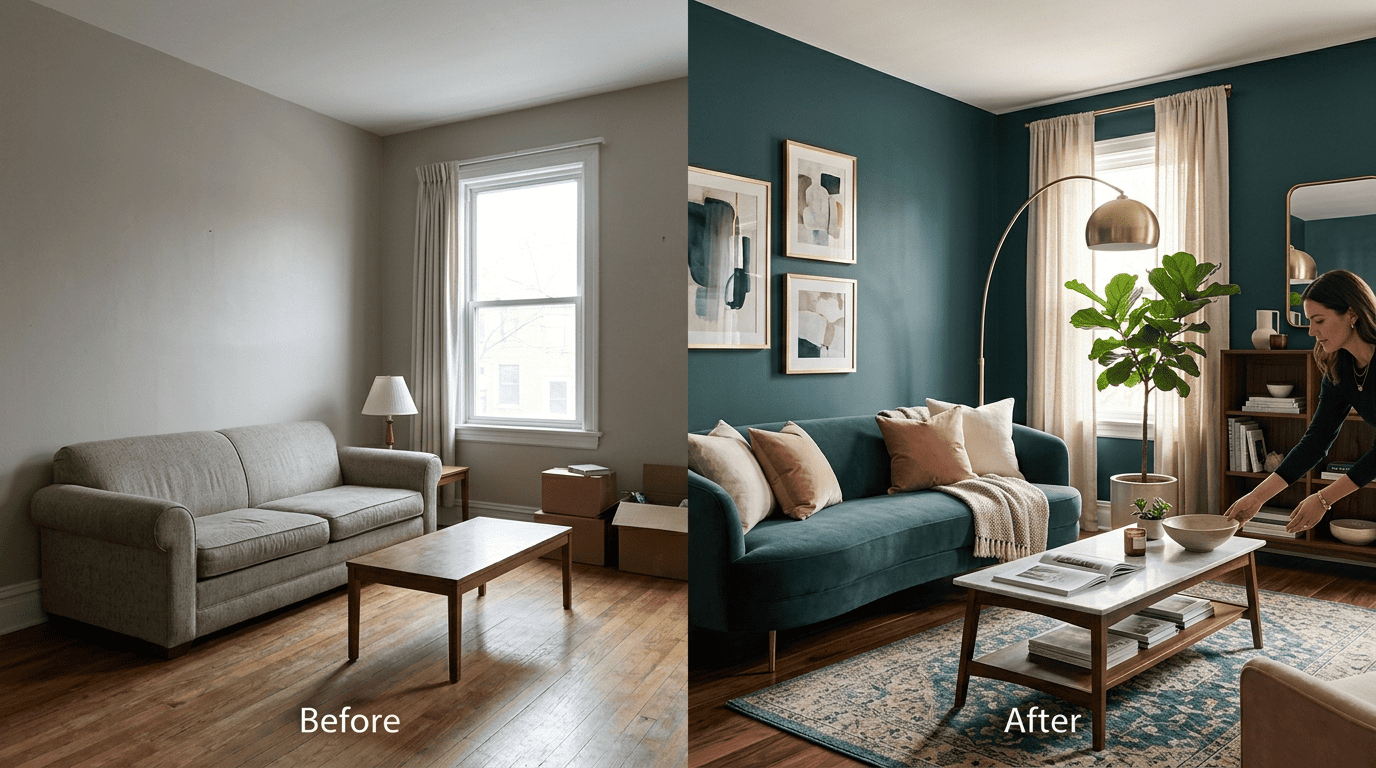
Snap a picture of your living room, upload it, pick a style, and watch a photorealistic makeover appear — that is the promise of home designs ai, and it genuinely works today. AI room redesign from a photo uses artificial intelligence to reimagine a real space: it keeps your walls, windows, and layout, then swaps the style, color, furniture, and decor.
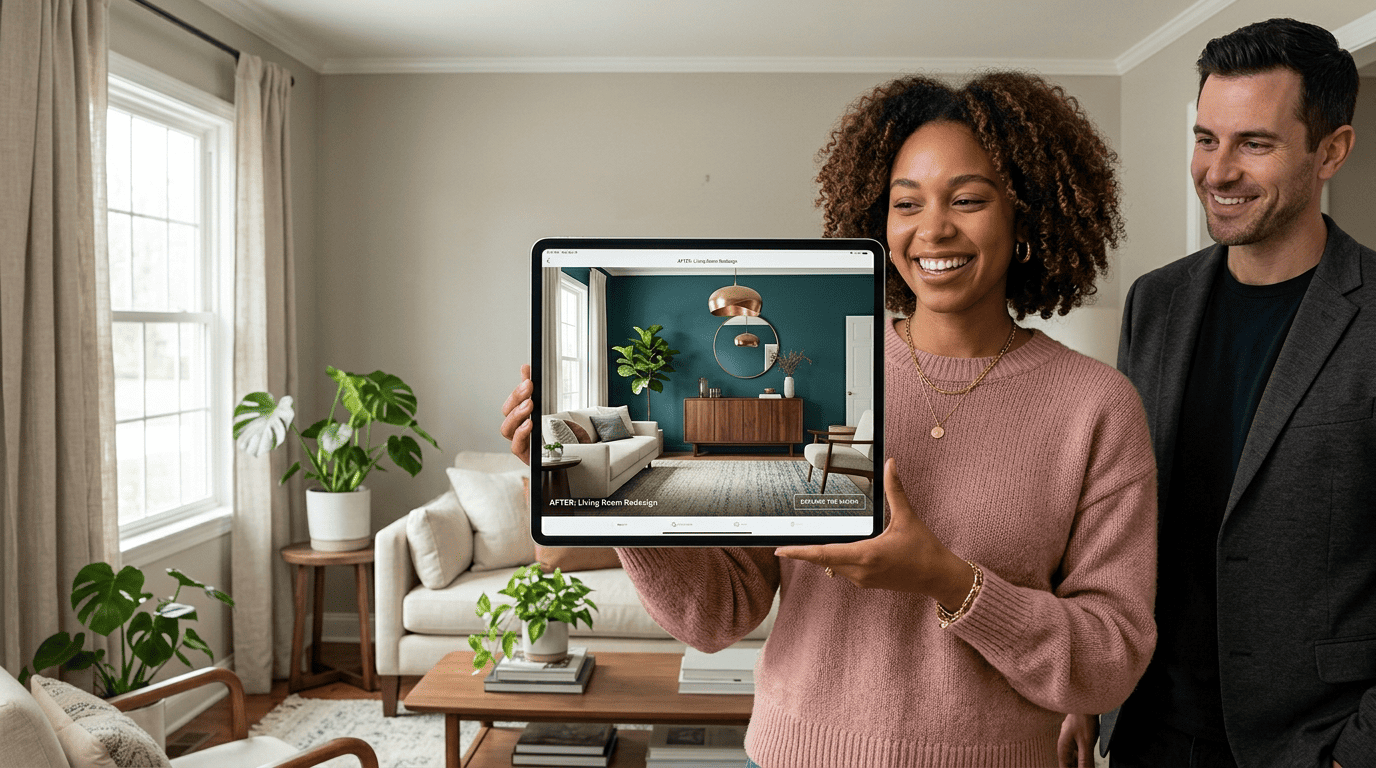
No design degree, no measuring tape, no CAD software. This guide explains exactly how photo-to-design AI works, which styles and rooms it handles, how to shoot a good source photo, and where the free tools end and paid plans begin.
Can AI Really Redesign a Room From a Photo?
The short answer: yes
Yes — a modern AI can take a single photo and return a realistic before-and-after redesign in seconds. The AI preserves the room’s structure — walls, windows, ceiling height, layout — while regenerating the surfaces you want to change: paint, flooring, furniture, lighting, and decor. Tools like RoomGPT (used by 4M+ people) and Decoratly (500K+ rooms redesigned, rated 4.9/5 across 28K+ reviews) have made this mainstream. This is a practical application of computer vision and generative image models rather than a gimmick; it sits at the modern edge of interior design practice.
What «from a photo» actually means
The input is your actual room, not a template. That distinction matters: the AI redesigns your space, so the result reflects your window placement, proportions, and sight lines — you see how your room could look, not a generic showroom. This is also where AI room redesign differs most from browsing a furniture catalog: an AI interior designer works with the geometry you already have instead of asking you to imagine a blank slate.
How AI Room Redesign Works, Step by Step
The pipeline behind an AI room decorator is short, but each stage does distinct work. Here is the typical flow from upload to finished render.
- Take the photo. Shoot a well-lit, wide-angle image from a corner of the room so the AI captures maximum space. Most tools accept PNG/JPG/JPEG (Dehome up to 50MB, Home Design AI up to 10MB).
- Upload it. Drop the file into the tool’s uploader — no account is required for several of the tools covered below.
- Let spatial recognition run. Behind the scenes, spatial-recognition models detect walls, windows, lighting angles, and furniture placement to understand the room’s geometry.
- Pick a style or write a prompt. Choose a preset (or type something specific, like «a caramel-colored sofa»).
- Generate. The redesign itself is produced by generative image models — the same family of diffusion-based generative AI that powers modern text-to-image systems — constrained to keep your structure intact.
- Compare and download. Most tools render 1-4 variations at once, side by side, and let you download high-resolution results.
Everything runs in the browser — no GPU, no CAD, no installation.
Design Styles You Can Try
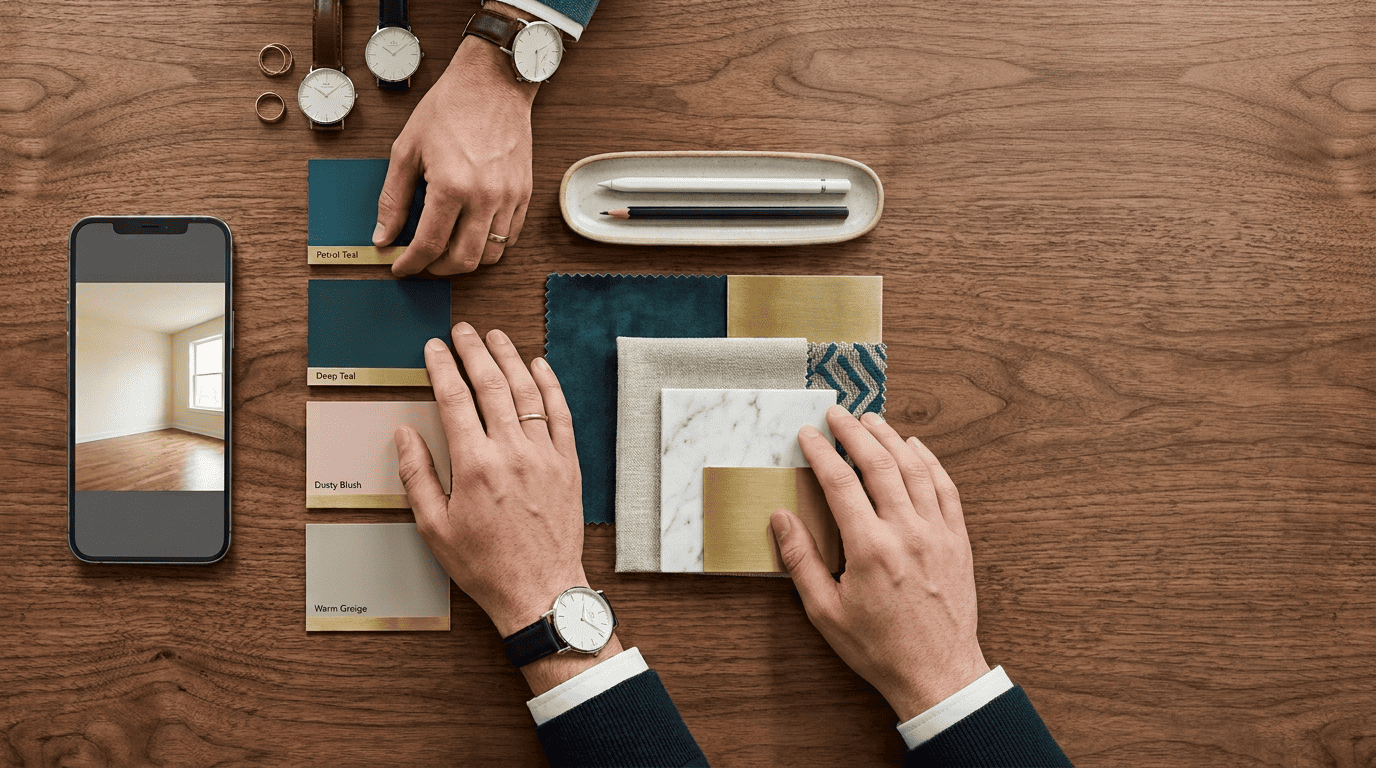
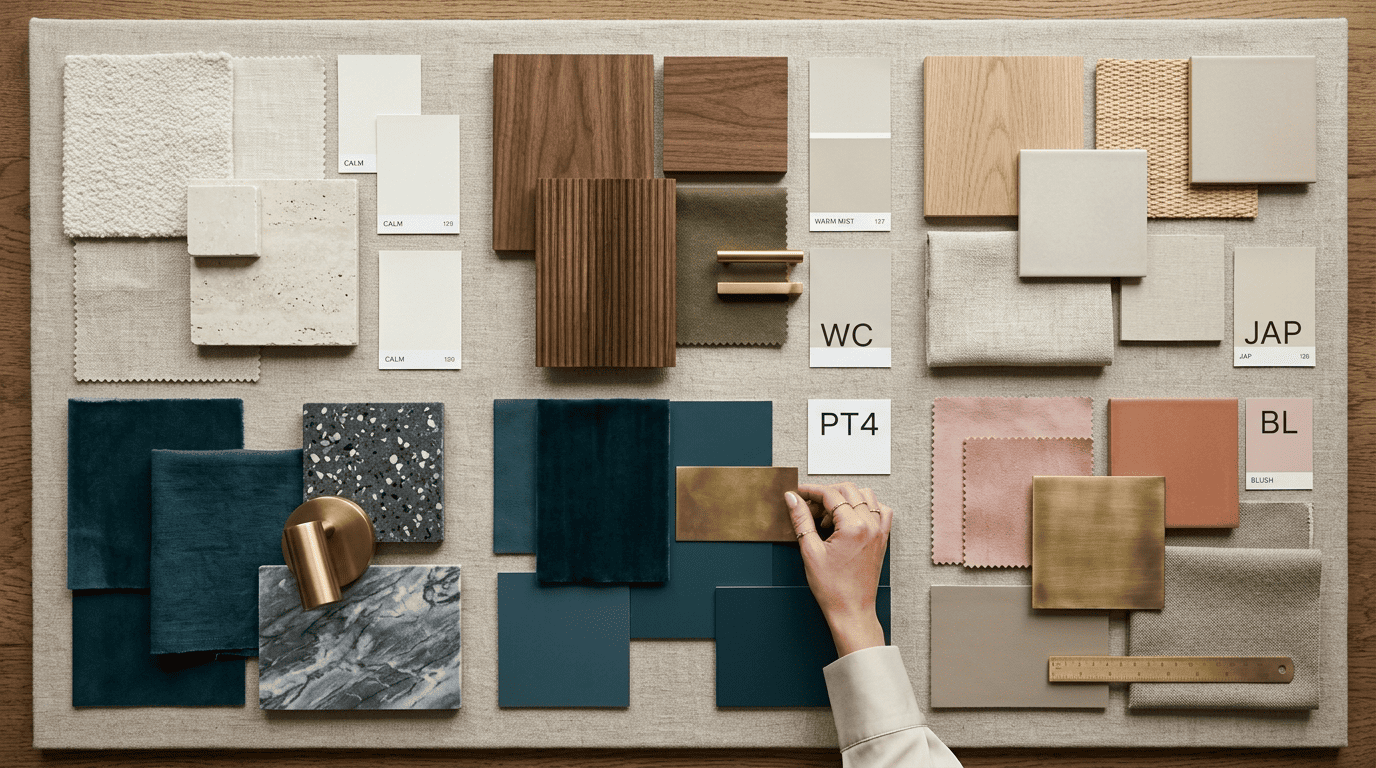
Style libraries vary widely between tools, from a tight curated set to dozens of presets. Dehome offers 8+, Home Design AI 12+, and RoomsGPT advertises 61+ styles. Common presets include:
- Modern and Contemporary
- Scandinavian and Japandi
- Minimalist
- Industrial
- Bohemian
- Mid-Century Modern
- Art Deco
- Quiet Luxury
Beyond presets, prompt-driven tools let you weave in specifics — «a cloud-shaped pendant light,» «warm walnut floors,» «a dusty-blush accent wall» — so the output matches a precise vision instead of a canned look. The designer and writer William Morris put the underlying principle into words long before generative AI existed:
Have nothing in your house that you do not know to be useful, or believe to be beautiful.
William Morris
An AI room generator does not replace that judgment call, but it lets you audition dozens of useful-or-beautiful combinations in the time it would take to browse one furniture catalog.
Which Rooms Work Best
Living rooms, bedrooms, kitchens, bathrooms, dining rooms, and home offices are the sweet spot for AI room redesign. A few less obvious spaces also produce strong results:
- Kids’ rooms
- Rental apartments (style without repainting)
- Small or awkward-shaped spaces
- Patios and outdoor living areas
- Commercial interiors — cafes, lobbies, retail
The better your photo — well lit, wide angle, shot from a corner — the more accurate the redesign, regardless of which room type you’re working with. That consistency across room types is why AI home design has moved beyond living-room demos into whole-home and rental workflows.
A few habits make the source photo more useful across any of those rooms:
- Shoot in daylight or with all overhead lights on
- Stand in a corner so both adjacent walls are visible
- Keep the frame level — avoid tilted or cropped shots
- Clear obvious clutter so the AI doesn’t try to «design around» it
Free vs Paid: What You Actually Get
Free tiers are genuinely usable, not just teaser trials. RoomsGPT offers free daily credits with no signup, Home Design AI runs with no login at all, and ArchiVinci and RoomGPT include a handful of free credits once you create an account.
| Tool | Free access | Notes |
|---|---|---|
| RoomsGPT | Free daily credits, no signup | 61+ styles |
| Home Design AI | No login required | 12+ styles |
| RoomGPT / ArchiVinci | A few free credits (account) | Paid tiers add higher-resolution exports |
| Decoratly | 2 free uploads | 500K+ rooms redesigned to date |
Paid plans, often a few dollars a month, unlock more generations, higher-quality models, and 4K exports. The comparison that actually sells the category is the cost baseline: hiring a human interior designer to source and furnish a single room typically runs $2,000-$10,000, depending on the furniture budget. Photo-to-design AI collapses that first exploratory phase to seconds and cents — you can design your home with AI before spending a dollar on furniture.
Virtual Staging and Real Estate
Real estate agents use AI redesign for virtual staging — filling empty or dated rooms with furniture so buyers can picture the potential rather than an echoing, unfurnished space. Listings staged this way, physically or virtually, are consistently framed by the National Association of Realtors as a factor that shapes how quickly buyers connect with a property and how they perceive its value.
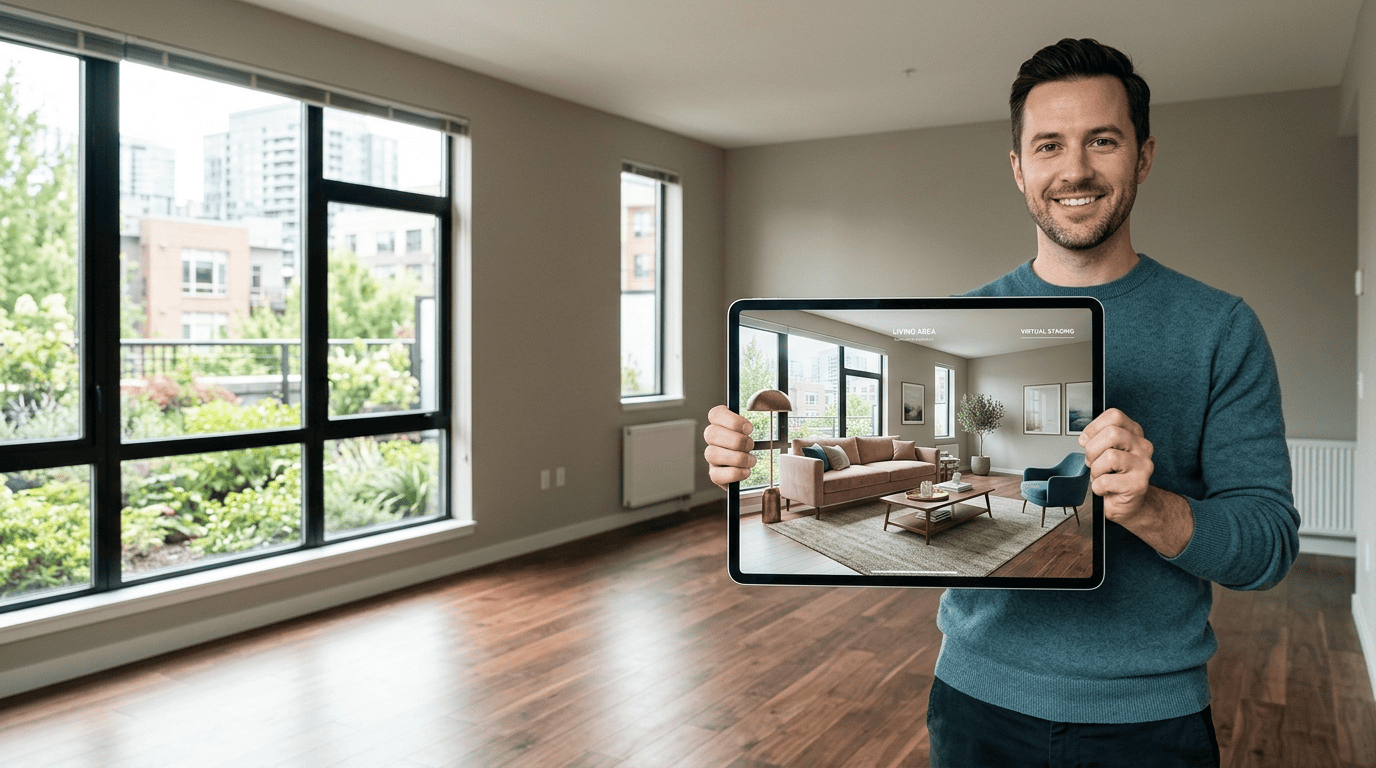
Digital virtual staging runs roughly $19-75 per photo (around $29 on average), a fraction of the price of trucking in furniture for a physical staging job. That price gap is why it has become standard practice for agents working with vacant or dated properties, not a niche add-on. An empty room photographed under AI staging can be re-rendered in several furniture styles in minutes, letting an agent test which look resonates with the target buyer before the listing even goes live.
AI Redesign vs Hiring a Designer
Traditional interior design and AI room redesign solve overlapping problems at very different speeds and price points.
Speed. Traditional design workflows take hours to weeks between consultations, mood boards, and revisions. AI redesign from a photo takes seconds per variation and runs entirely in a browser tab.
Cost. A traditional interior designer bills for time, sourcing, and often a percentage of furniture spend, landing in the thousands per room. An AI interior designer is free or a few dollars a month, with no ongoing retainer.
Iteration. A human designer typically proposes one or two directions per meeting. AI redesign generates unlimited instant variations, so testing ten styles costs nothing but time.
Judgment. This is where a human still wins. A designer accounts for ergonomics, structural constraints, sourcing lead times, and budget trade-offs that a photo-based render does not know about.
| Factor | AI room redesign | Human interior designer |
|---|---|---|
| Turnaround | Seconds per render | Hours to weeks |
| Typical cost | Free — few dollars/month | $2,000-$10,000 per room |
| Iterations | Unlimited | Limited by billed hours |
| Sourcing & ergonomics advice | No | Yes |
The honest framing: AI is the fastest way to explore and visualize directions, while a human designer still adds judgment on ergonomics, sourcing, and budget. Use AI to narrow choices, then bring a professional in if the project is large.